
Activating a Software Release
Once the new release version is installed, it is necessary to activate the new software version in the system.
Warning: This procedure requires a restart of the platforms and will affect service until the activation of the new software release is complete.
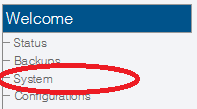
1- Click System in the navigation panel.
2- Click Activate to begin the activation of the new release.
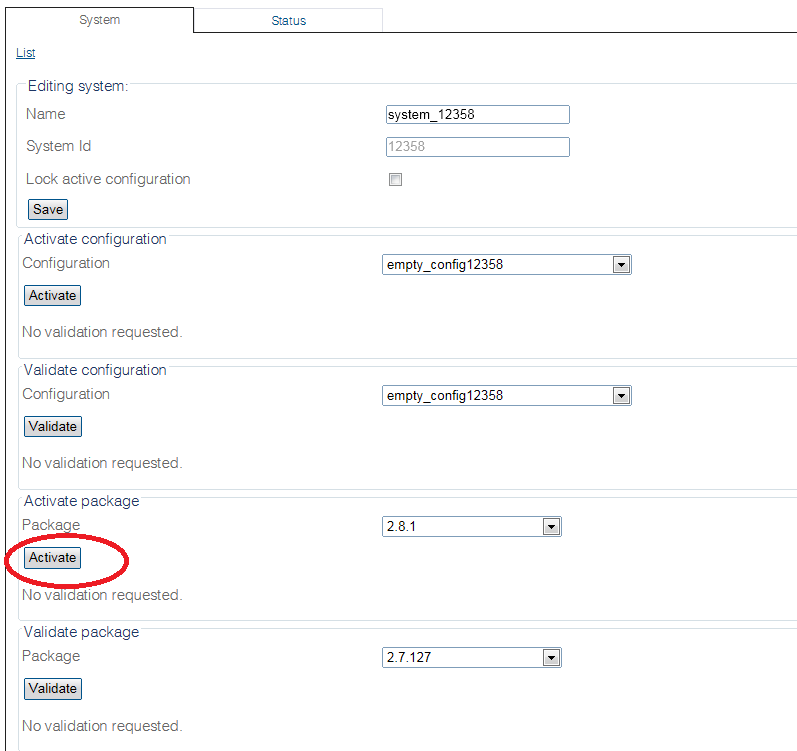
It will take a few minutes for the system to upgrade.
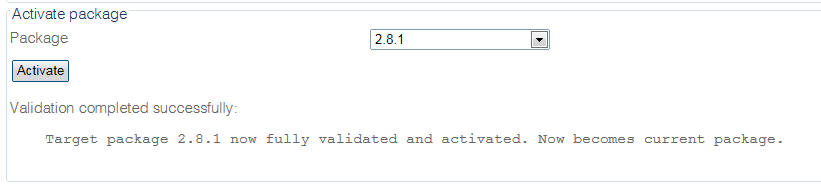
Note:
You can verify the status of the upgrade by using the tool: tbx_cli_tools_remote and selecting the tboamapp application.
You can fall back to another release by carrying out the "Activate Release" action again from the web portal. If you do not have access to the Web Portal, follow How To Fall back to an older Software Release.
Accelerating the activation of a software release
Activating a new release may take up to 10 minutes per unit.
To enable a simultaneous upgrade of all units:
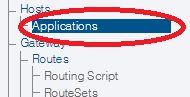
1- Select Applications from the navigation panel.
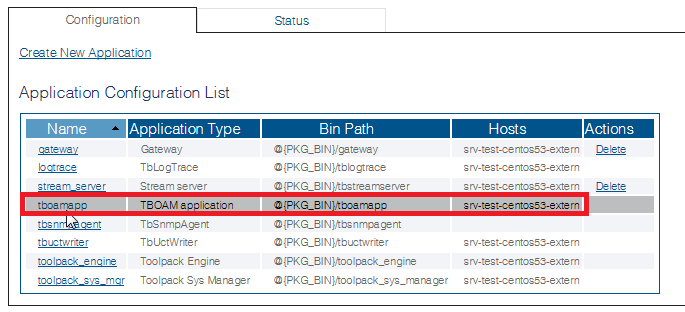
2- Select tboamapp.
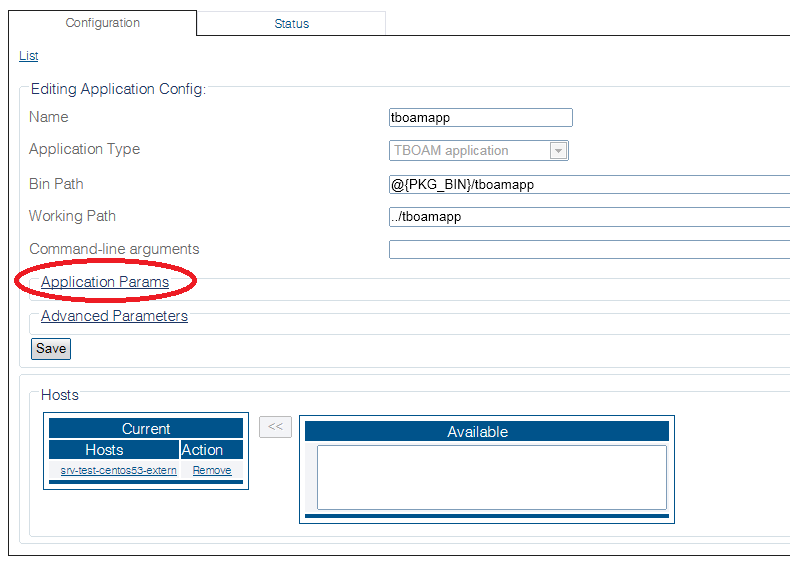
3- Click Application Params
4- Select Allow upgrade of all units simultaneously.
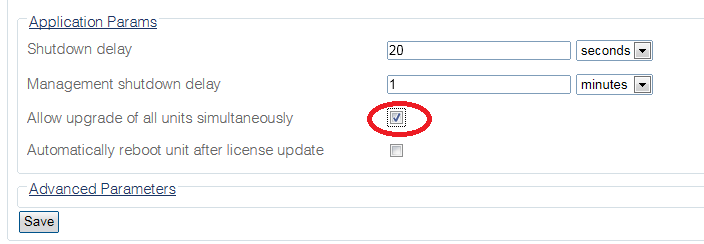
5- Click Save. Previous step was to: upload a new software release
Last updated
Was this helpful?